
AVIF to PNG vs CloudConvert
Both tools can help with AVIF conversion, but they solve slightly different problems. The main tradeoff is local privacy-first simplicity versus a broader cloud conversion workflow.
If your job is specifically to open or convert AVIF quickly, a browser-based local tool is often the simpler choice. If you need many unrelated file types, a cloud suite may be more flexible.
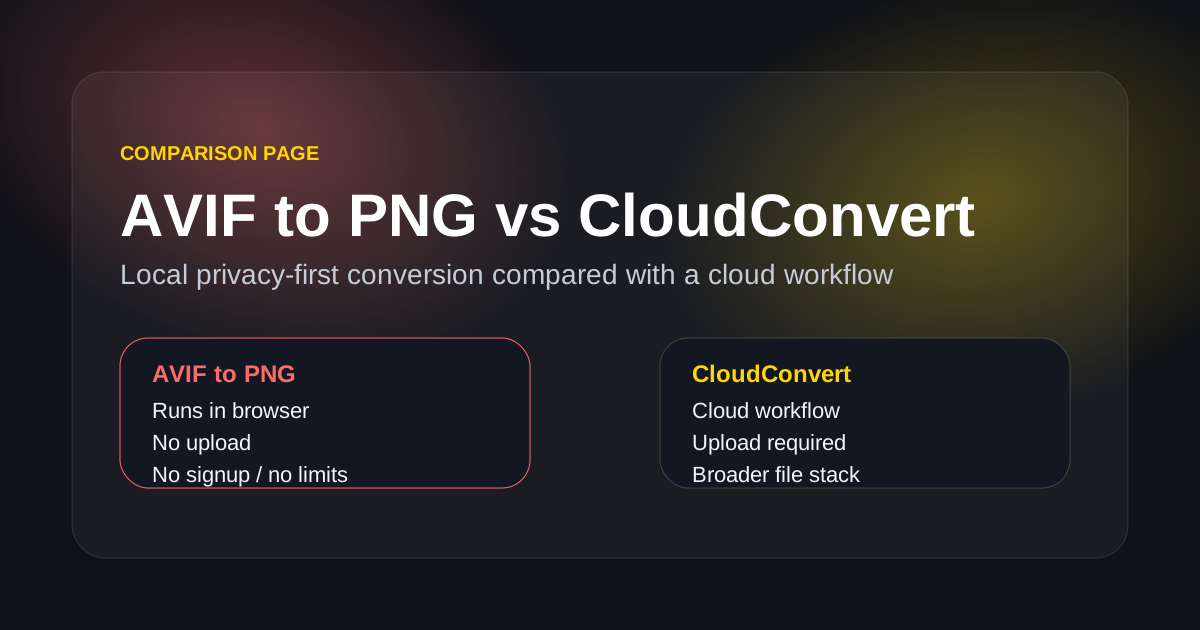
The Real Difference Is Workflow, Not Just Output
Users usually care about speed, privacy, and friction more than a long feature list when the task is simply AVIF conversion.
AVIF to PNG is local-first
The conversion happens in the browser, which is often a better fit for screenshots, private files, and quick one-off compatibility fixes.
CloudConvert is cloud-first
That can be useful if you need a larger file conversion platform, but it also adds upload and remote-processing steps.
AVIF to PNG is faster for narrow intent
If your only job is turning AVIF into PNG or JPG, a specialized page with no signup and no upload friction usually wins.
Privacy expectations are different
Local conversion is easier to trust for work images, screenshots, and drafts that you would rather not send to a third-party service.
Why Users Often Choose AVIF to PNG Over a General Cloud Converter
This is not about replacing every conversion platform. It is about being the better choice for a very specific AVIF problem.
Built for the exact AVIF compatibility job
The product is focused on opening, converting, and sharing AVIF files instead of asking the user to navigate a much larger conversion suite.
No-upload workflow for sensitive files
That makes it easier to use with screenshots, internal assets, and files you do not want to move into a cloud queue.
Less friction for one-step conversion
When the user already knows the desired output, the shortest useful path is usually the best path.
AVIF to PNG vs CloudConvert FAQ
Practical questions users ask before choosing a converter.
Just Need to Convert AVIF Without Uploading It?
Use the local browser tool and get a PNG or JPG copy without adding a cloud step to the workflow.
Comparison page
Converter comparison summary
- Use when
- Use this page to choose between a focused local AVIF converter and a broader cloud conversion suite.
- Decision rule
- Choose AVIF to PNG for private, narrow AVIF work; choose CloudConvert when the job spans many unrelated file types.
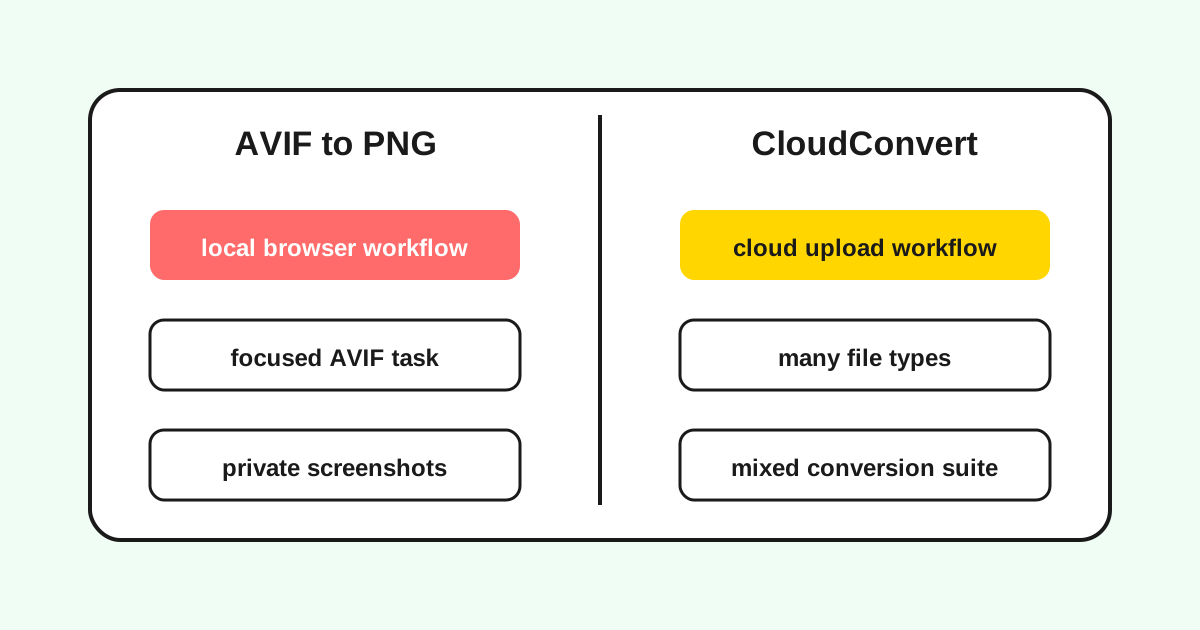
Local vs cloud conversion
A comparison page should make the tradeoff explicit instead of claiming one option is always better.
Decision matrix
The useful comparison is workflow fit: privacy, upload friction, scope, and control.
| Criterion | AVIF to PNG | CloudConvert |
|---|---|---|
| Privacy | Processes files in the browser. | Uploads files to a cloud workflow. |
| Scope | Focused on AVIF, PNG, JPG workflows. | Covers many unrelated file types. |
| Best use | Quick compatibility fixes and private images. | Mixed-format conversion suites. |
Last updated: Apr 21, 2026 · Maintained by AVIF to PNG Editorial Team · v1.0