
Transparent images
JPG cannot preserve alpha channels. Use AVIF to PNG when transparency must remain intact.
Convert your .avif images to universally-compatible JPG format — directly in your browser
Supports batch conversion • Max 50MB per file
Important details about AVIF to JPG output, quality control, and compatibility tradeoffs.
The AVIF to JPG workflow is designed for local conversion. You can verify the no-upload behavior from your browser.
Start recording network requests before selecting an AVIF file.
Drop an AVIF image, choose JPG quality, and download the converted file.
There should be no upload request carrying the source AVIF to a conversion server.
JPG is a practical compatibility format, but it is not ideal for every AVIF source.
JPG cannot preserve alpha channels. Use AVIF to PNG when transparency must remain intact.
JPG is lossy, so choose PNG or another lossless format when repeated editing is expected.
Use a CLI, API, or build tool when conversion must run unattended on a server.
A fast, private converter that produces universally-compatible JPEG files — entirely in your browser.
JPEG is the most widely supported image format in existence. Every device, browser, email client, social media platform, and image editor can open JPG files without any issues. By converting AVIF to JPG, you ensure your images can be viewed, shared, and edited by anyone, anywhere — no special software or modern browser required.

Unlike PNG conversion which is always lossless, JPG gives you a quality slider to balance file size and visual clarity. At 90% quality, most photos are visually indistinguishable from the original while being significantly smaller. Drop to 70-80% for web-optimized images, or push to 95%+ when you need maximum detail for printing or archiving.
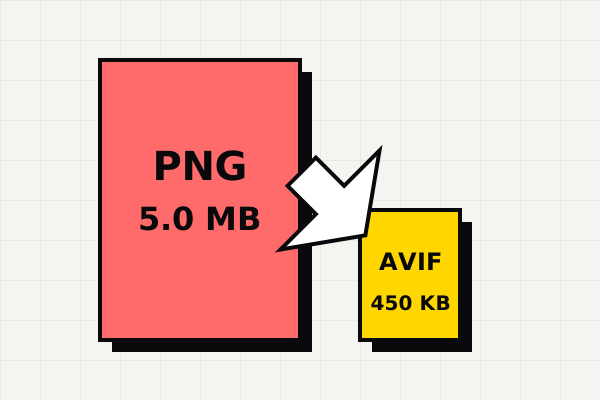
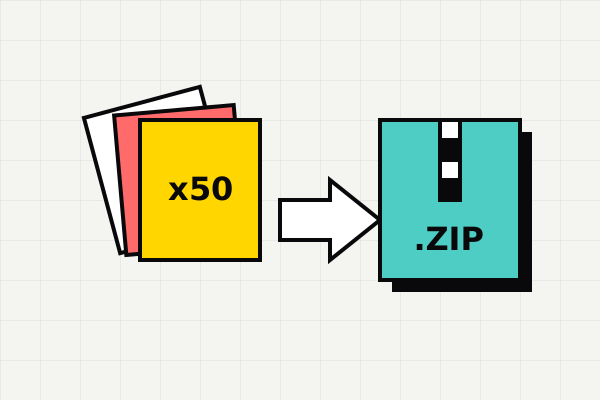
Need to convert an entire folder of AVIF photos? Drop them all at once. The converter processes each file sequentially, shows a live preview and file size comparison for every result, and lets you download everything as a single ZIP archive. No file count limits, no per-session quotas.
Users usually choose JPG here because compatibility matters more than keeping the original AVIF format.
If the image needs to be shared, uploaded, emailed, or opened in an older app, JPG is still the easiest compatibility fallback.
For a single AVIF-to-JPG job, local conversion is often the shortest path from unsupported file to shareable result.
The tool is designed for users who already know the next step: turn AVIF into something common, sendable, and easy to reopen later.
Drag and drop your .avif files into the converter above, or click to browse your files.
Adjust the quality slider. 90% is ideal for most photos. Lower values produce smaller files.
Click download for individual files or get all converted images as a single ZIP file.
AVIF is a newer image format that can keep photos sharp while using much less storage than older formats.
AVIF (AV1 Image File Format) is a next-generation image format based on the AV1 video codec developed by the Alliance for Open Media. It delivers exceptional compression efficiency — often 50% smaller than JPEG at equivalent visual quality. AVIF supports HDR, wide color gamut with 10-bit and 12-bit color depth, transparency, and animation. Chrome 85+, Firefox 93+, Edge 89+, and Safari 16.4+ support AVIF natively. However, many desktop applications, email clients, older devices, and content management systems still cannot open AVIF files, making conversion to JPG essential for maximum reach.
JPEG (Joint Photographic Experts Group) is the world's most widely used image format, especially for photographs and complex images with gradients. Created in 1992, JPG uses lossy compression to achieve small file sizes while maintaining excellent visual quality for photographic content. It supports 24-bit color (16.7 million colors) and is universally compatible with every operating system, browser, email client, social platform, and image editor ever made. While JPG doesn't support transparency like PNG, it excels at compressing photographs where small compression artifacts are imperceptible to the human eye.
Convert AVIF to JPG when you need to share photos via email or messaging apps that don't support AVIF, upload images to platforms or CMS systems that only accept JPG/PNG, edit photos in applications that can't open AVIF files, or ensure maximum compatibility across all devices and software. JPG is the best choice when your images are photographs without transparency needs.
Convert AVIF images to lossless PNG format with transparency
Compress PNG images to ultra-efficient AVIF format
Compress JPEG photos to next-gen AVIF format
Definition guide covering the .avif extension and when to convert
Fix Windows AVIF compatibility issues without installing software
Open and edit AVIF files in Adobe Photoshop without plugins
Last updated: Apr 21, 2026 · Maintained by AVIF to PNG Editorial Team · v1.0